Så här aktiverar du internet

🇸🇪 Sedan lunchtid 18 juli är nya internetanslutningen via Bredband2 igång, tyvärr efter en hel del strul. Tack för ert tålamod, felet berodde på en ”felinställd DHCP-server” hos Bredband2 men är nu åtgärdat av dem.

I filmen nedan ser du hur du gör för att få access men här följer även några kommentarer du kan ha nytta av:

  • 1 … Se till att din nya router är ansluten med kabel till lägenhetens ingång och att din dator/enhet är ansluten till det nya trådlösa nätverket. Surfa in på brf.bredband2.com
  • 2 … Det är Skatteverkets lägenhetsnummer som ska anges, inte vår förenings interna nummer. (I portarna finns lista över dessa nummer på anslagstavlan.)
  • 3 … Välj ”Nej tack” på frågan om trådlös router … det ingår redan.
  • 4 … Säkerhetspaket kan du addera om du vill (mot extra kostnad) men ej krav.
  • 5 … Fakturametod måste väljas, t.ex. ”E-postfaktura” även om du inte kommer faktureras något.
  • 6 … När registreringen är genomförd kan det ta några minuter innan du får access till internet. Om du inte fått access inom fem minuter, prova att starta om dator och starta om router.

För support kontakta Bredband2 på 0770-811 000 eller be andra medlemmar om hjälp på föreningens FB-grupp

Tvättstugebokningen online ligger för tillfället nere, men vi hoppas få upp den inom kort. Så länge får du gå ner till tvättstugan och boka din tid på plats.

🇬🇧 Since lunchtime on July 18, the new internet connection via Bredband2 is up and running, unfortunately after a lot of trouble. Thank you for your patience, the error was due to a ”misconfigured DHCP server” at Bredband2 but has now been fixed by them.

In the video below, you can see the steps to get access, but below are also some comments you may find useful:

  • 1 … Make sure that your new router is connected by cable to the connection point of the apartment and that your computer/device is connected to the new wireless network created by the router. Surf to brf.bredband2.com
  • 2 … It is Skatteverkets apartment number that must be entered, not our association’s internal number. (At the notice boards there are lists of these numbers for each gate.)
  • 3 … Select “Nej tack” when asked about wireless router … it’s already included.
  • 4 … Security package you can add if you want (at extra cost) but not a requirement.
  • 5 … Billing method must be selected, e.g. ”E-post faktura” even if you will not be invoiced.
  • 6 … When the registration is completed, it may take a few minutes before you get access to the internet. If you did not get access within five minutes, try restarting the computer and restarting the router.

For support contact Bredband2 at 0770-811 000 or ask for help in our FB-group

Also … online laundry booking is currently down, but we hope to have it up soon. Until then, you can go down to the laundry room and book your appointment on the spot.
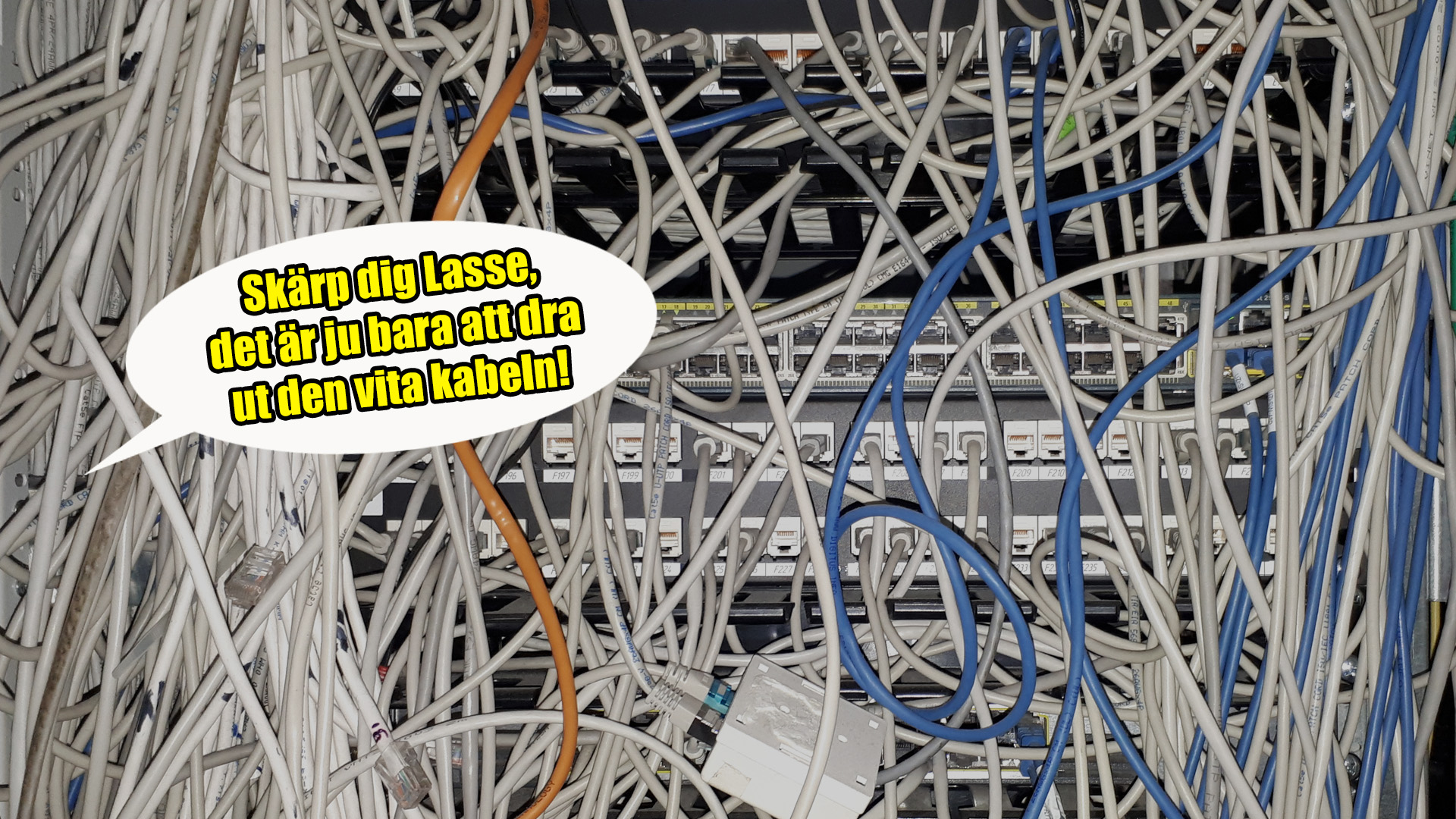
Bredbandsproblem 17–18 juli

Publicerat 17:35:

🇸🇪 Bredband2 har installerat nya nätet idag 17 juli men tyvärr har de missat att förbereda den portal/webbsida där man registrerar sig … det saknas möjlighet att ange sin adress på registreringssidan och därför går det ej att aktivera internet. 

Kontenta: ingen kan i skrivande stund nå internet genom fastighetens nät (och det gamla Telenor-nätet är bortkopplat).

Extremt olyckligt, tycker vi i styrelsen som har haft intensiv dialog om och med Bredband2 under eftermiddagen men tyvärr kan vi inte ens få en tillförlitlig prognos för när problemet bör vara löst.

Vi kommer informera här på brffallskarmen.se som du kan nå via din mobil (om du först stänger av wifi … antingen på din mobil eller så stänger du av routern). När vi meddelat att internet är igång slår du på din router, ansluter till routerns wifi (eller via kabel) och surfar därefter till brf.bredband2.com för registrering. Anvisningar finns på brffallskarmen.se 

Bredband2:s support har telefon 0770-811 000 men problemet är alltså redan felanmält.

🇬🇧 Bredband2 has installed the new network today, July 17, but unfortunately they have failed to prepare the portal/webpage where you register… there is no option to enter your address on their registration page and therefore it is not possible to activate the internet.

Accordingly: at the time of writing, no one can access the internet through the property’s network (and the old Telenor network is disconnected).

Extremely unfortunate, the board has had intensive dialogue about and with Bredband2 during the afternoon, but unfortunately we cannot get a forecast for when the problem should be solved.

We will inform here on brffallskarmen.se which you can read using your mobile if you first turn off the wifi or turn off the router. When we have informed that internet is up and running, you turn on your router, connect to the router’s wifi (or via cable) and surf to brf.bredband2.com to register. 

Bredband2’s support has telephone number 0770-811 000, but the problem has already been reported as an error.

Hälsningar / All the best,

Brf Fallskärmen – brf.fallskarmen@gmail.com

Aktivering av Bredband2-internet

🇸🇪 Sent omsider (idag 😦 ) fick vi en installationsguide för vad som krävs för att aktivera internet, se bilaga. Vi ber om ursäkt för att denna kommer sent, vi ska sätta upp information även i portarna.

Hjälp gärna varandra, det är nog flera som kan behöva lite stöd. Det lägenhetsnummer som efterfrågas är det lägenhetsnummer som Skatteverket använder (inte Brf Fallskärmens interna nummer).

🇬🇧 Today 😦 we finally received an installation guide for what is required to activate our new internet, see attachment. We apologize for this arriving late, we will set up information in the ports as well.

Please help each other, there are probably several people who may need a little support. The apartment number that is requested is the apartment number that Skatteverket uses (not Brf Fallskärmen’s internal number).

Bredbandsinstallation uppskjuten till 13 juli

[English version below]

🇸🇪

Vi fick tyvärr ett tråkigt besked idag och det är att Telenor & Bredband2 missat varandra i dialogen kring hur morgondagens installation behöver genomföras, då Telenor kommer ha kvar viss utrustning även efter bytet.

Så idag fick vi besked att Bredband2 behöver beställa extra hårdvara som inte hinns levereras till imorgon. Nytt datum för installationen blir istället 13 juli.

Det behöver dock inte påverka våra boende på något sätt, ni kan välja att installera nya routern när ni vill, oavsett vem som levererar bredbandet. Och på samma sätt kan ni välja att ha kvar er gamla router en stund, även efter den 13 juli … men sedan kommer ju Telenor till slut vilja ha tillbaka sin router (inom två veckor från 31 juli) så det är förstås lika bra att installera den nya Bredband2-routern snarast möjligt.

Med andra ord får vi vänta ett par veckor innan vi får vårt snabbare (och billigare) internet installerat.

🇬🇧

We received a sad message today and that is that there has been some confusion in the dialogue between Telenor & Bredband2 regarding tomorrow’s installation, as Telenor will still need to have some equipment installed even after the change.

So today we got word that Bredband2 needs to order extra hardware that won’t be delivered until tomorrow. The new date for the installation will instead be July 13.

However, it does not have to affect our residents in any way, since you can choose to install the new router whenever you want, regardless of who supplies the broadband. And in the same way, you can choose to use your old Telenor-router for a while, even after July 13 … but then Telenor will eventually want its router back (within two weeks from July 31), so of course it’s just as well to install the new one as soon as possible.

In other words, we have to wait a couple of weeks before we get our faster (and cheaper) internet installed.